Reporting Tab
The Client Report tab is used for quickly generating reports on a client without the need for navigating the main Reporting menu. Site groupings and Custom Fields are also viewed and maintained on this tab. Site groupings are typically used for filtering reports but have additional functions including Operator Filtering. Custom Fields can be configured for recording client specific details not otherwise displayed within the client.
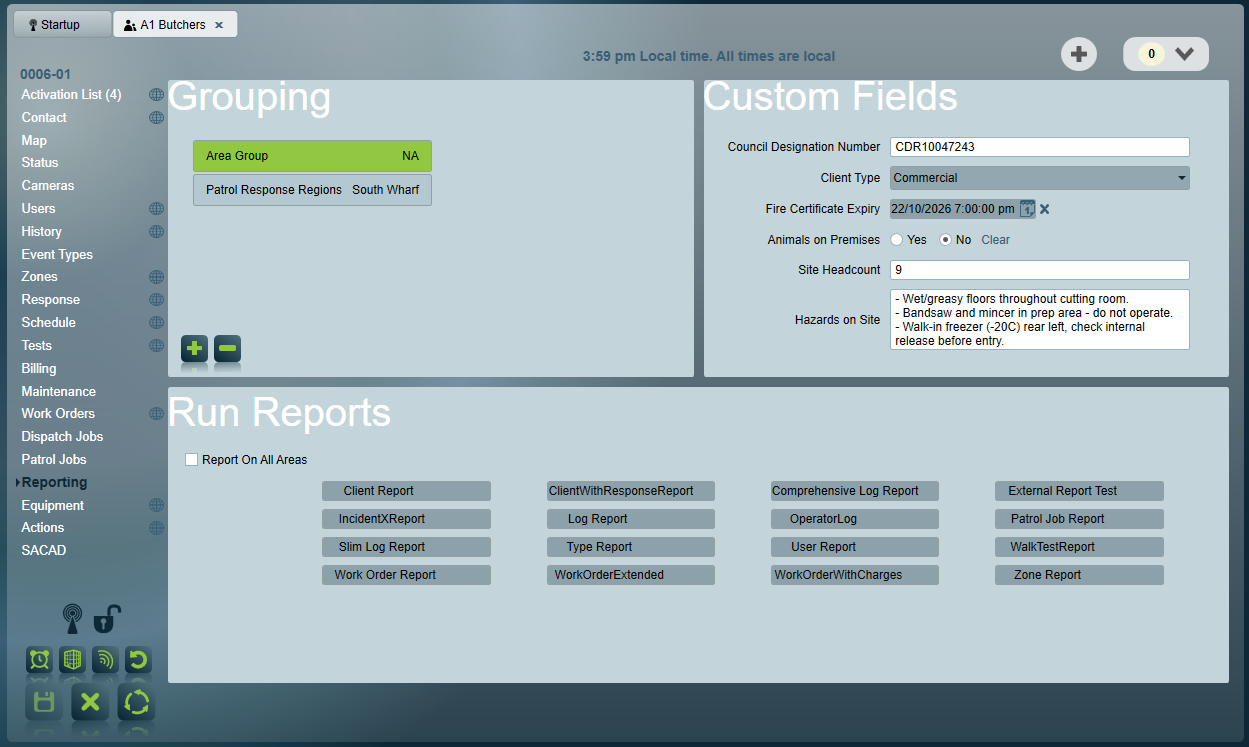
Grouping
Sites can be grouped for reporting, operator filtering and other purposes. Site groupings are fully customisable - each site grouping belongs to a site grouping type, and you may have as many of these as you require.
By default site groupings are mutually exclusive. This means that only one site group of each type can be assigned to a client. This makes sense for many group types - e.g. a client cannot have multiple Dealers, but for other group types mutual exclusivity is not required. For this reason a site grouping type can have the Allow Multiple Items option enabled. When enabled, this means that multiple groups of the same type can be assigned to a single client.
Site grouping types are configured via Maintenance > Clients > Site Groupings
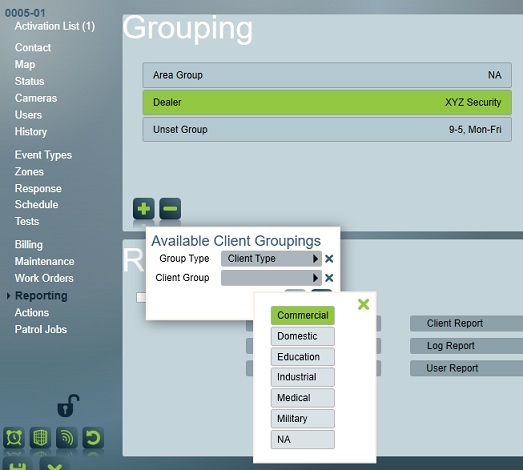
To assign a client grouping to a client on the Reporting Tab, click the selector to its right. The Client Grouping selector popup menu will appear. Select first a Group Type and then a Client Group and use the save button to assign the group to the client.
Custom Fields
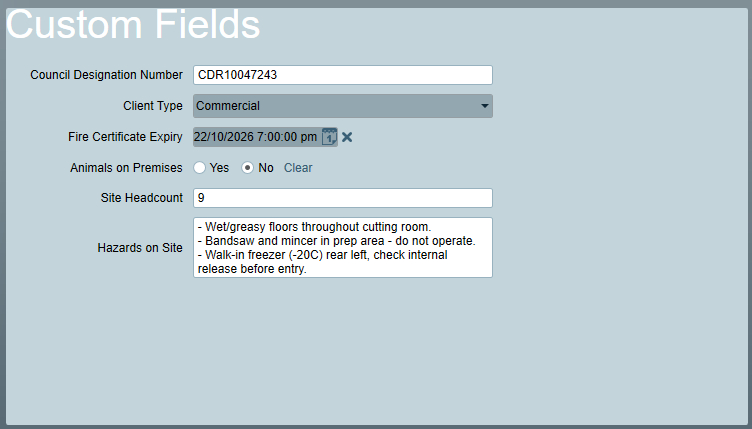
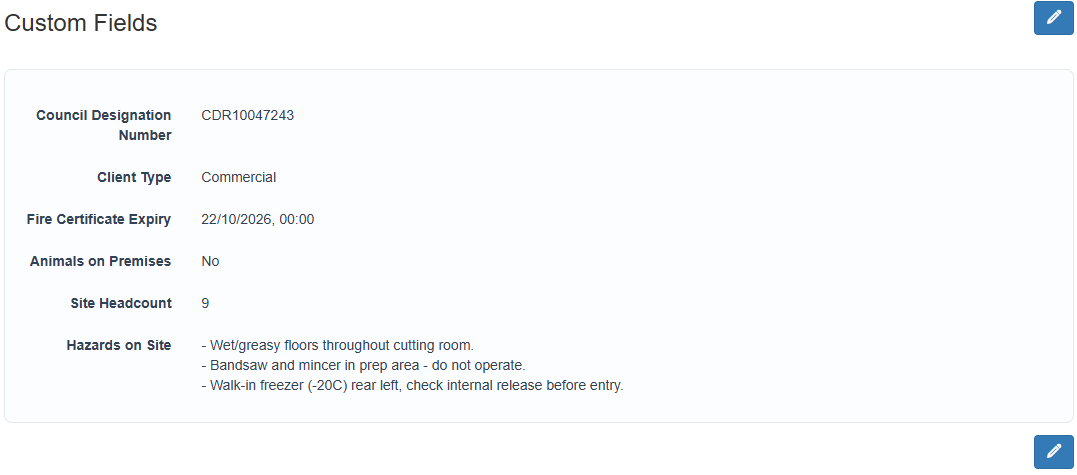
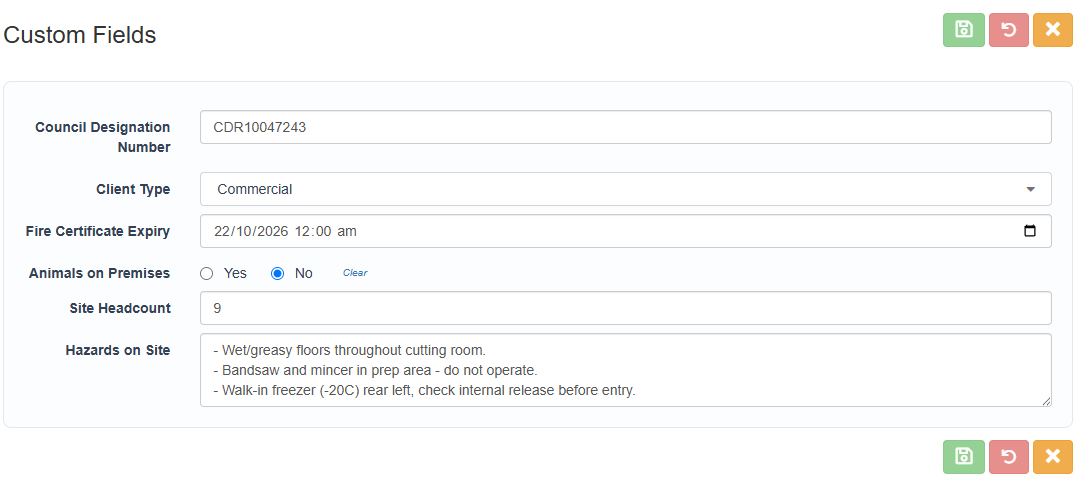
Custom fields can be fully configured to display important and useful information that is otherwise not displayed within the client context. This enables the ability to customise fields to meet the independent needs of monitoring centres.
- Desktop Client
- Custom Fields (ICA)
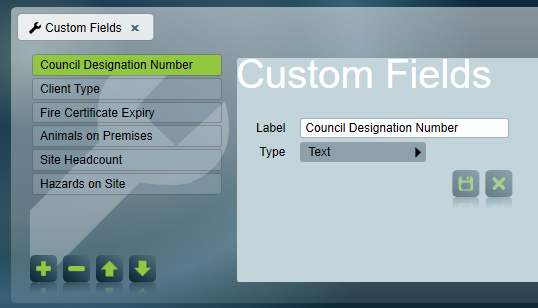
Custom Fields are configured via Maintenance > General > Custom Fields
Fields may be free text, multi-line text, numeric, date/time, yes/no or a selection from a configurable list. The order in which the fields are displayed within clients can be adjusted using the arrow buttons during configuration.
Run Reports
Create pdf reports of site's activity, both client and signal log reports possible, For more information regarding the reporting system see Single Client Reports.